In the ever-evolving world of online entertainment, YouTube gaming has carved out a massive space for passionate gamers and creative minds. Whether you stream battle royales, share walkthroughs, or review the latest releases, having the right gaming setup can transform your content quality, engage your audience, and boost your channel’s growth. A professional setup doesn’t always mean expensive, it means smart choices that enhance performance, comfort, and creativity. Below, we’ll explore what makes the best YouTube gaming setups for streamers and content creators, from hardware and lighting to sound and design.
1. The Powerhouse: Choosing the Right PC or Console
At the heart of every great gaming setup is the machine that runs the show. For most YouTubers, a high-performance gaming PC is the top pick. Look for strong processing power and smooth rendering capabilities.
Recommended PC specifications:
- Processor: AMD Ryzen 7 or Intel i7 (10th generation or newer)
- Graphics Card: NVIDIA RTX 4070 or AMD equivalent
- RAM: At least 16GB (upgradeable to 32GB for multitasking and editing)
- Storage: SSD for speed plus a large HDD for video stockpiling
A gaming console setup (like PlayStation 5 or Xbox Series X) also works perfectly if you mainly stream console-exclusive games. Pair it with a high-quality capture card like Elgato HD60 X so your footage stays crisp and stutter-free.
2. The Visual Command Center: Monitors and Display Setup
For streaming and video editing, clarity is everything. Dual-monitor setups are ideal—one screen for gameplay and the other for managing chat, editing, or monitoring stream metrics. A 144Hz or higher refresh rate ensures silky-smooth visuals, while 1080p to 4K resolution allows viewers to appreciate your content in full detail.
Bonus tip: Curved monitors provide immersive gameplay and reduce eye strain, which can be a lifesaver during long recording sessions.
3. Lighting the Mood: Create the Perfect Ambience
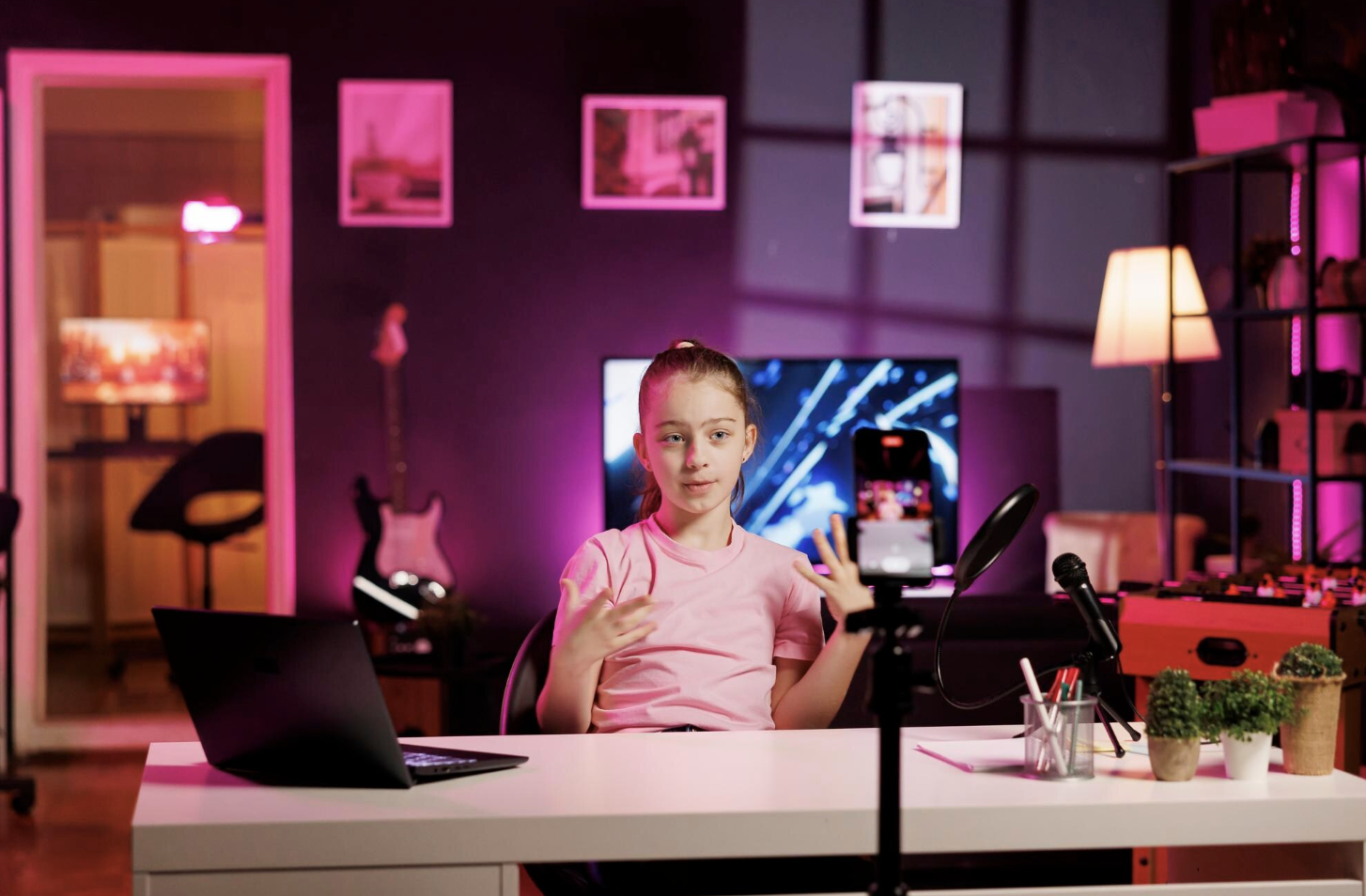
Lighting can make or break your on-camera presence. Good lighting eliminates harsh shadows, highlights your expressions, and adds a professional glow to your videos.
Essentials for perfect illumination:
- Ring light or softbox lights for direct lighting on your face
- RGB backlights or LED strips for creative background color themes
- Smart lighting controls for switching moods (day streams, night vibes, etc.)
Well-balanced lighting elevates production quality instantly think of it as your “cinematic filter” in real life.
4. Crisp Audio: The Unsung Hero of Streaming
Viewers can tolerate slightly lower graphics, but they won’t forgive crackly or muffled audio. Investing in a quality microphone is non-negotiable.
Recommended gear:
- USB Microphones: Blue Yeti, Elgato Wave 3, or RØDE NT-USB
- XLR Mics (for professionals): Shure SM7B paired with an audio interface like Focusrite Scarlett Solo
- Pop filter and shock mount to avoid distracting plosives or vibrations
Headphones should be comfortable and accurate look for closed-back designs like the HyperX Cloud Alpha or Audio-Technica M50x for long sessions without fatigue.
5. Camera and Capture: Let Personality Shine
Your viewers come for the game but stay for you. A high-definition camera brings human connection to your content. A 1080p webcam such as the Logitech Brio or Elgato Facecam can make a huge difference. For even more cinematic depth, a mirrorless or DSLR camera connected via a capture card delivers exceptional clarity and depth of field.
Pro tip: Use a tripod or overhead mount to get creative angles and maintain stability.
6. Ergonomics and Comfort: The Long-Haul Setup
Streaming can mean hours on camera, so comfort isn’t optional it’s essential. Your chair should support long sessions with proper ergonomics, adjustable height, and lumbar support.
Top picks: Secretlab Titan Evo or Razer Iskur for their blend of comfort and sporty design.
For your desk, choose one with adjustable height and proper cable management to keep things tidy. Investing in a mechanical keyboard and responsive gaming mouse boosts reaction time and productivity (not to mention satisfying click sounds).
7. Software and Streaming Tools
A sharp physical setup needs software that complements it. OBS Studio and Streamlabs Desktop are popular for their customization, overlays, and real-time analytics. Adobe Premiere Pro, DaVinci Resolve, or Final Cut Pro are fantastic video editors for fine-tuning recorded content.
Other handy tools:
- Voicemeeter Banana: for audio mixing
- Canva or Photoshop: for thumbnails and branding
- Discord and StreamElements: to engage with your community live
8. Aesthetic and Branding: Make It Yours
Your gaming station also doubles as your brand’s headquarters. Add personal touches—posters, themed lighting, collectibles, or your logo on the wall. Use a consistent color palette that appears in your thumbnails, overlays, and background lighting. These small aesthetic choices build your visual identity and make your channel instantly recognizable.
Conclusion
Building the best YouTube gaming setup doesn’t mean buying the fanciest gear on day one. It’s about crafting an environment where your personality, creativity, and passion for gaming can thrive. Start with quality essentials strong performance, reliable audio, clear visuals and upgrade as your channel grows. Every improvement enhances the viewer experience and shows your professionalism as a content creator.
Whether you’re streaming epic battles, reviewing new titles, or chatting with your fans, the perfect setup is your partner in bringing gaming dreams to life. Gear up wisely, stay creative, and let your setup amplify your unique voice in the ever-expanding world of YouTube gaming.