
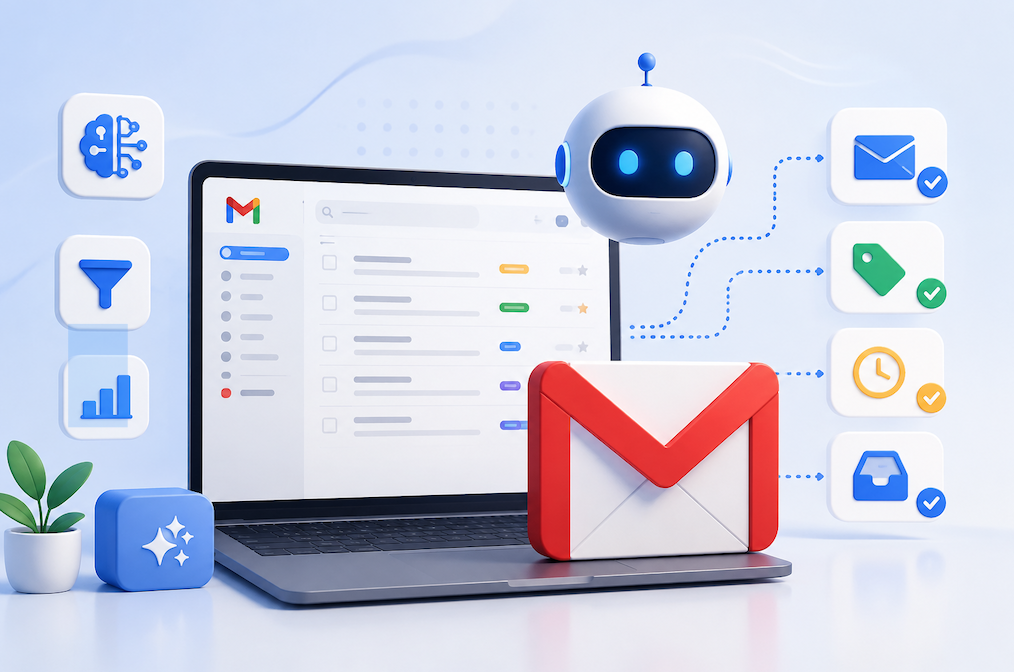
Email remains one of the most important communication tools. However, managing hundreds of emails every week can quickly become overwhelming. Fortunately, AI automation for Gmail makes inbox management faster, smarter, and more efficient.
Modern AI features help users organize messages, draft replies, summarize conversations, schedule emails, and filter unwanted messages automatically. As a result, professionals, freelancers, students, and businesses spend less time managing email and more time completing important work.
In this guide, you will learn how AI automation for Gmail works, its biggest benefits, practical use cases, and the best ways to improve your daily workflow.
What Is AI Automation for Gmail?
AI automation for Gmail uses artificial intelligence to handle repetitive email tasks with little or no manual effort. Instead of sorting every message yourself, use AI to understand email content and perform actions automatically.
These intelligent features analyze conversations, recognize patterns, and suggest the most relevant actions. Consequently, users enjoy a cleaner inbox and faster communication.
Common AI automation features include:
- Smart email categorization
- Automatic reply suggestions
- Email summaries
- Spam detection
- Priority inbox management
- Smart search
- Follow-up reminders
- Email scheduling
- Automatic labeling
- Workflow automation
Unlike traditional email filters, AI learns from user behavior over time. Therefore, it becomes more accurate with continued use.
Whether you receive 20 emails or 2,000 every week, AI automation helps reduce manual work while improving productivity.
Benefits of AI Automation for Gmail
AI-powered email management delivers advantages for both personal and professional users.
Save Valuable Time
Reading every email individually consumes hours each week. AI speeds up the process by highlighting important messages and summarizing long conversations.
Instead of opening every thread, users quickly understand the main points and respond faster.
Better Inbox Organization
A cluttered inbox creates unnecessary stress. Fortunately, AI automatically categorizes emails into labels, folders, or priority sections.
As a result, important emails remain visible while promotional messages stay organized.
Faster Responses
AI can generate professional email drafts within seconds. Users simply review, personalize, and send.
This feature becomes especially useful for:
- Customer support
- Business communication
- Sales emails
- Client follow-ups
- Internal team updates
Improved Productivity
Less time spent managing emails means more time for meaningful work. Therefore, users stay focused throughout the day.
Reduced Human Error
Automation minimizes forgotten replies, missed deadlines, and misplaced emails.
Overall, AI creates a smoother email experience while reducing repetitive tasks.
Popular AI Features Available in Gmail
Modern Gmail includes several AI-powered capabilities that simplify email management.
Smart Compose
Smart Compose predicts sentences while you type. Consequently, writing emails becomes much faster.
Smart Reply
Instead of typing every response manually, Gmail suggests short replies based on the conversation.
Examples include:
- Thanks!
- Sounds great.
- I’ll review it today.
Email Summaries
Long email threads become easier to understand because AI extracts the most important information.
Spam Protection
AI continuously analyzes incoming emails and blocks suspicious messages before they reach your inbox.
Smart Search
Finding old emails becomes easier because AI understands natural language instead of exact keywords.
Automatic Categorization
Emails automatically move into categories such as:
- Primary
- Promotions
- Social
- Updates
- Forums
This organization reduces inbox clutter significantly.
Best Ways to Use AI Automation for Gmail
AI automation works best when integrated into everyday workflows.
Customer Support
Businesses receive hundreds of customer emails every day. AI helps prioritize urgent requests, suggest replies, and organize support tickets.
Sales Teams
Sales representatives can automate follow-ups, schedule emails, and personalize outreach more efficiently.
Freelancers
Freelancers manage multiple clients simultaneously. AI keeps project emails organized and prevents missed responses.
Students
Students receive assignment reminders, university announcements, and group project emails. AI helps organize everything automatically.
Small Businesses
Business owners save time by automating repetitive communication while maintaining professional customer service.
These practical applications improve efficiency without increasing workload.
Tips to Get the Most from AI Automation for Gmail
AI performs best when users combine automation with good email habits.
Follow these simple practices:
- Archive unnecessary emails regularly.
- Create meaningful labels.
- Keep your inbox organized.
- Review AI-generated replies before sending.
- Use strong security settings.
- Enable two-factor authentication.
- Remove outdated subscriptions.
- Check spam folders occasionally.
- Update filters when needed.
- Monitor automated workflows regularly.
These habits improve both productivity and email security.
Common Challenges of AI Email Automation
Although AI offers many advantages, users should understand its limitations.
Sometimes AI-generated replies sound generic. Therefore, adding a personal touch improves communication.
Automation may also misclassify certain emails. Fortunately, correcting these mistakes helps AI improve future recommendations.
Privacy remains another important consideration. Users should review account permissions and avoid sharing sensitive information unnecessarily.
Finally, AI should assist decision-making instead of replacing human judgment. Important business or legal emails always deserve a careful review before sending.
The Future of AI Automation for Gmail
AI email technology continues to evolve rapidly.
Future improvements may include:
- More personalized email writing
- Better multilingual communication
- Advanced meeting scheduling
- Smarter task management
- Deeper calendar integration
- Improved workflow automation
- More accurate email prioritization
- Enhanced security against phishing attacks
As AI becomes more capable, Gmail will continue reducing repetitive work while helping users communicate more efficiently.
Conclusion
AI automation for Gmail has transformed the way people manage email. Instead of spending hours sorting messages, users can organize inboxes, draft replies, summarize conversations, and automate repetitive tasks with ease.
Whether you are a business owner, freelancer, student, or remote employee, AI helps improve productivity while keeping communication organized. Furthermore, combining AI features with good email habits creates an even more efficient workflow.
As artificial intelligence continues to improve, Gmail automation will become an essential productivity tool for individuals and organizations alike.
Frequently Asked Questions (FAQs)
What is AI automation for Gmail?
AI automation for Gmail uses artificial intelligence to organize emails, suggest replies, summarize conversations, and automate repetitive inbox tasks.
Is AI automation for Gmail free?
Many AI features are available in Gmail at no extra cost, while advanced capabilities may require premium plans or third-party tools.
Can AI automatically reply to emails?
Yes. AI can generate reply suggestions and draft complete responses. However, reviewing messages before sending is recommended.
Does AI improve Gmail productivity?
Yes. AI reduces manual work by organizing emails, prioritizing important messages, and speeding up communication.
Is AI automation safe for Gmail?
Generally, yes. Users should enable strong security settings, use two-factor authentication, and review permissions regularly.
Who benefits most from AI automation for Gmail?
Professionals, freelancers, businesses, students, remote workers, customer support teams, and sales professionals benefit significantly from AI-powered email automation.








