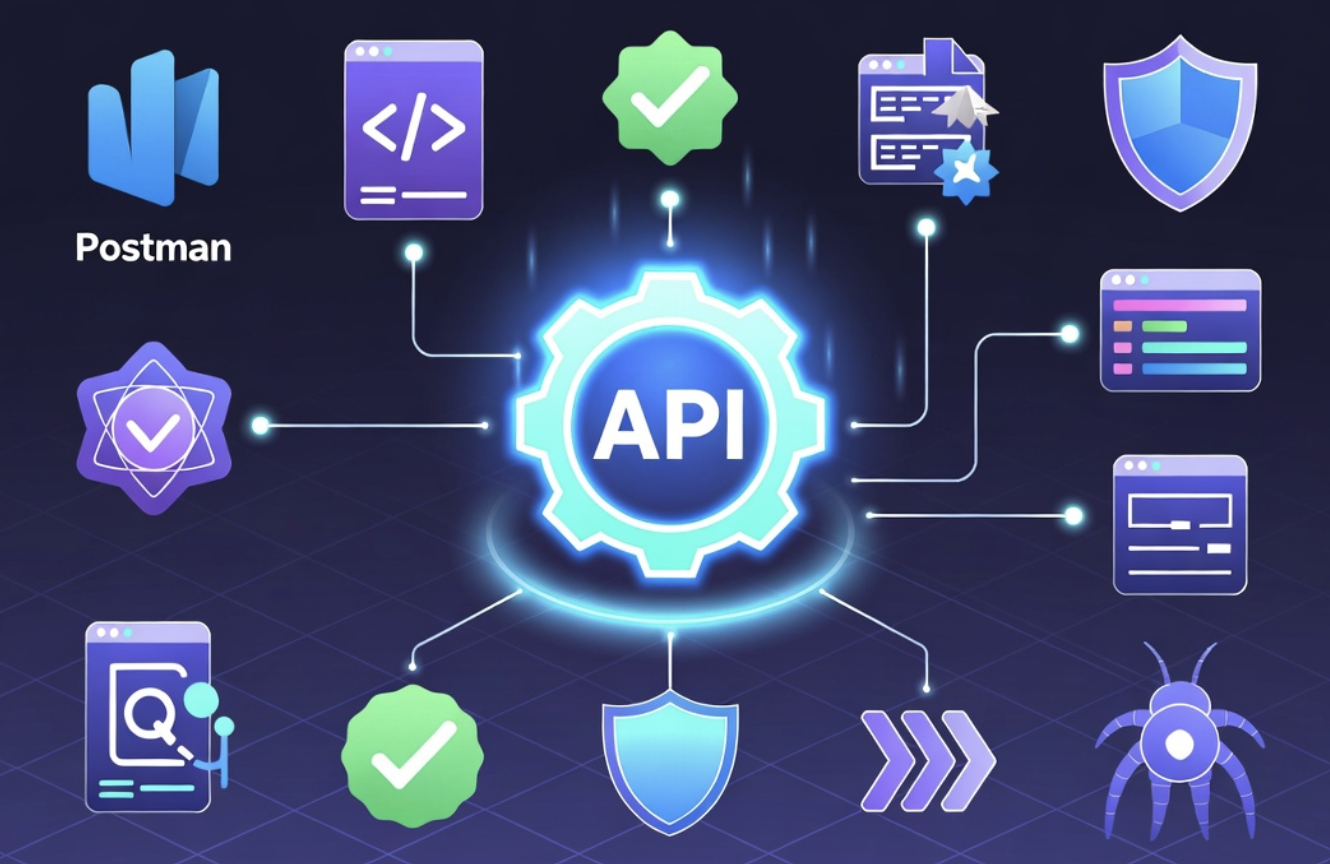
Modern applications rarely work alone. Every time you book a ride, order food, log into a website using Google, or check the weather on your phone, different software systems communicate behind the scenes through APIs (Application Programming Interfaces).
But what happens if an API suddenly stops working? Users might not be able to log in, payments may fail, or important business data could disappear. That’s why API testing has become one of the most important parts of software development.
Unlike traditional UI testing, API testing checks whether applications communicate correctly before users even see the interface. It helps developers find bugs earlier, improve security, speed up releases, and build reliable software.
Fortunately, you don’t need to write thousands of lines of code to test APIs. Many excellent API testing tools allow beginners and professionals to send requests, inspect responses, automate testing, and integrate testing into modern development workflows.
This guide explains everything you need to know about API testing tools, including how they work, the best tools available, their strengths and weaknesses, common mistakes, real-world use cases, and practical tips for selecting the right solution.
What Are API Testing Tools?
API testing tools are software applications that help developers and testers verify whether an API functions correctly. Instead of interacting with a website’s graphical interface, these tools communicate directly with the application’s backend.
A typical API test sends a request to an endpoint and checks whether the returned response matches expectations. This includes verifying:
- Status codes
- Response time
- Returned data
- Authentication
- Security
- Error handling
- Database updates
- Performance
Imagine an online shopping website.
When a customer clicks “Place Order,” several APIs work together:
- User authentication API
- Product inventory API
- Payment API
- Shipping API
- Notification API
If just one API fails, the customer experience suffers. API testing tools help identify these failures before customers encounter them.
Because APIs are the foundation of web applications, mobile apps, SaaS platforms, cloud services, and microservices, testing them has become a standard practice in modern software development.
Why API Testing Is More Important Than Ever
As software architecture has evolved, applications have become increasingly dependent on APIs.
Instead of one large application, businesses now build systems using dozens or even hundreds of interconnected services.
API testing offers several advantages over interface testing.
First, it detects bugs much earlier. Developers can validate backend functionality before the frontend is complete.
Second, API tests execute significantly faster than browser-based tests. Hundreds of automated API tests can finish in minutes.
Third, API testing improves software reliability. Teams verify that every endpoint behaves correctly under different conditions.
Another important benefit is security. APIs often handle sensitive customer information, payment details, and authentication tokens. Testing ensures these endpoints remain secure against misuse.
Organizations practicing DevOps and Continuous Integration rely heavily on automated API testing because it allows frequent releases without sacrificing quality.
How API Testing Works
Understanding the basic workflow makes API testing much easier.
Every API interaction follows a simple pattern.
Step 1: Send a Request
The tester sends an HTTP request to an API endpoint.
Common methods include:
- GET
- POST
- PUT
- PATCH
- DELETE
Step 2: Receive a Response
The server processes the request and returns:
- Status code
- Headers
- JSON or XML data
- Cookies
- Processing time
Step 3: Validate the Response
The testing tool checks whether:
- Status code is correct
- Data matches expectations
- Required fields exist
- Values are accurate
- Response arrives within acceptable time
- Error messages appear correctly
Step 4: Automate
Once validated, the test can run automatically every time developers update the application.
This automation significantly reduces manual work while increasing testing consistency.
Types of API Testing
API testing covers far more than checking whether an endpoint returns data.
Functional Testing
Confirms that each endpoint performs exactly as expected.
Example:
A login API should authenticate valid users while rejecting invalid credentials.
Validation Testing
Ensures the API behaves according to its specification.
This includes:
- Required fields
- Correct formats
- Response structure
- Business logic
Load Testing
Measures API performance under heavy traffic.
Example:
Can an API process 10,000 requests per minute without slowing down?
Security Testing
Checks authentication, authorization, encryption, and protection against attacks.
Security testing helps identify vulnerabilities before attackers exploit them.
Reliability Testing
Runs APIs continuously to ensure they remain stable over extended periods.
Regression Testing
Whenever developers modify code, regression tests verify that existing functionality still works.
Without regression testing, fixing one bug may accidentally introduce several new ones.
Best API Testing Tools
Choosing the right tool depends on your team’s skills, budget, and project size.
1. Postman
Postman is the most widely used API testing platform.
It provides an intuitive interface where users can create requests, organize collections, automate tests, generate documentation, and collaborate with teammates.
Beginners appreciate its simplicity, while experienced developers use advanced scripting features with JavaScript to build complex testing workflows. Postman also supports authentication methods such as OAuth, API keys, Bearer Tokens, and Basic Authentication, making it suitable for testing modern REST APIs. Teams can create environments for development, staging, and production without rewriting requests. Another major advantage is its ability to integrate with CI/CD pipelines, allowing automated tests to run whenever new code is deployed.
Pros
- Easy to learn
- Excellent interface
- Automation support
- Team collaboration
- Extensive documentation
Cons
- Large collections may become difficult to manage
- Some collaboration features require paid plans
Best for beginners, startups, and enterprise teams.
2. SoapUI
SoapUI specializes in testing SOAP and REST APIs.
Many large enterprises continue to rely on SOAP services, especially in banking, insurance, healthcare, and government systems. SoapUI offers advanced validation, security testing, assertions, mock services, and load testing capabilities. Developers can simulate APIs before backend systems are fully available, allowing frontend teams to continue working without delays.
It also supports data-driven testing, where the same test runs with multiple datasets. This is particularly useful for validating customer records, transactions, and business workflows.
Pros
- Strong SOAP support
- Advanced testing
- Security features
- Mock services
Cons
- Steeper learning curve
- Interface feels dated
Ideal for enterprise applications.
3. Insomnia
Insomnia focuses on simplicity and speed.
Developers often choose it because the interface is clean, lightweight, and easy to navigate. It supports REST, GraphQL, and gRPC APIs while providing environment variables, authentication helpers, request chaining, and plugin support. The application launches quickly and consumes fewer system resources than many alternatives.
Its design encourages productivity, making it popular among developers who spend most of their day working directly with APIs.
Pros
- Fast
- Lightweight
- Modern interface
- GraphQL support
Cons
- Smaller community
- Fewer enterprise collaboration features
4. JMeter
Apache JMeter is primarily known for performance testing.
Instead of checking whether an API simply works, JMeter measures how well it performs under heavy workloads. Teams simulate thousands of concurrent users to identify bottlenecks before production deployment. Reports include throughput, latency, response times, and server performance metrics.
Many organizations combine JMeter with functional API testing tools to achieve complete testing coverage.
Pros
- Excellent performance testing
- Open source
- Highly customizable
Cons
- Interface requires practice
- Not designed for simple functional testing
5. REST Assured
REST Assured is a Java library designed for automated API testing.
Developers write readable Java code that verifies API responses, authentication, headers, and JSON structures. Because tests become part of the application’s codebase, they’re easy to integrate with CI/CD systems and version control.
REST Assured is especially useful for Agile teams practicing test-driven development.
Pros
- Powerful automation
- Excellent for Java projects
- Highly customizable
Cons
- Requires programming knowledge
6. Karate
Karate combines API testing, performance testing, and automation into a single framework.
One of its biggest advantages is that testers can write powerful tests without extensive Java programming. The framework uses simple syntax that remains readable while supporting authentication, data-driven testing, mocking, and parallel execution.
This balance between simplicity and power has made Karate increasingly popular.
Pros
- Easy syntax
- Automation
- Performance testing
- Parallel execution
Cons
- Smaller ecosystem than Postman
How to Choose the Right API Testing Tool
There isn’t a single best API testing tool for everyone.
Instead, evaluate your requirements carefully.
If you’re new to API testing, choose a tool with a visual interface and minimal setup.
If your team already writes Java applications, REST Assured may integrate naturally into your workflow.
Organizations handling legacy SOAP services benefit from SoapUI.
Teams focused on performance testing should consider JMeter.
Also consider factors like collaboration features, automation support, reporting, integration with GitHub Actions or Jenkins, learning curve, licensing costs, and community support. A tool that fits your team’s workflow is usually more valuable than one with the longest feature list.
Common API Testing Mistakes
Many beginners unintentionally reduce the effectiveness of their tests.
One common mistake is checking only successful responses. APIs should also be tested with invalid inputs, expired tokens, missing parameters, and incorrect data types to ensure they fail gracefully.
Another issue is hardcoding authentication tokens or URLs. Using variables and environments makes tests reusable across development, staging, and production.
Ignoring response times is another oversight. An API that returns correct data but takes several seconds to respond can still create a poor user experience.
Some teams also skip regression testing after updates. Even small code changes can break existing functionality, making automated regression tests essential.
Finally, avoid relying solely on manual testing. Manual checks are useful during development, but automated tests provide consistent validation as projects grow.
Real-World Example: Testing an E-commerce API
Imagine an online store preparing for a holiday sale.
Developers update the checkout system to support a new payment method. Before releasing the change, the QA team uses API testing tools to verify the workflow.
They first confirm that the login API authenticates customers correctly. Next, they check that the product API returns accurate inventory levels. The cart API is tested to ensure items are added and removed properly. The payment API is validated with successful, declined, and invalid payment scenarios. Finally, they verify that the order confirmation API generates receipts and sends notifications.
The team also performs load testing by simulating thousands of shoppers placing orders simultaneously. During testing, they discover that the payment service slows significantly under heavy traffic. Developers optimize the backend before launch, preventing potential outages and protecting customer trust.
Benefits of Automating API Testing
Automation transforms API testing from a repetitive task into a continuous quality process.
Key benefits include:
- Faster software releases
- Consistent test execution
- Early bug detection
- Better software quality
- Lower testing costs
- Easier regression testing
- Improved DevOps integration
- Higher developer productivity
Automated testing becomes especially valuable when applications contain hundreds of APIs that change frequently.
Challenges of API Testing
Although API testing offers significant advantages, it also presents challenges.
Authentication can become complex when APIs use OAuth, JWT tokens, or multi-step authorization flows. Maintaining large test suites requires careful organization as applications grow. Third-party APIs may introduce unexpected failures or rate limits that affect testing. In microservices environments, dependencies between services can make debugging more difficult.
These challenges are manageable with good planning, reusable test data, clear documentation, and regular maintenance of automated tests.
Practical Tips for Better API Testing
If you’re building an API testing strategy, follow these best practices:
- Start testing early in development.
- Automate repetitive tests.
- Validate both successful and failed requests.
- Use realistic test data.
- Monitor response times.
- Test authentication thoroughly.
- Keep test scripts organized.
- Review failed tests immediately.
- Integrate tests into your CI/CD pipeline.
- Update tests whenever APIs change.
Small improvements in testing practices often lead to significant gains in software quality over time.
External Authoritative Reference
https://owasp.org/www-project-api-security/
Conclusion
API testing tools have become essential for modern software development. They help developers verify functionality, improve security, detect bugs early, and deliver reliable applications with confidence.
Whether you’re a beginner experimenting with Postman, a Java developer using REST Assured, or an enterprise team managing complex SOAP services with SoapUI, the right tool can streamline your testing process and reduce costly production issues.
The most effective approach is to combine functional testing, automation, performance evaluation, and security validation into a single testing strategy. As applications continue to rely on APIs, investing in robust API testing practices is no longer optional. It’s a key part of building software that users can trust.
Frequently Asked Questions (FAQ’s)
1. What is an API testing tool?
An API testing tool is software that sends requests to an API, checks the responses, validates functionality, and helps developers identify issues before applications reach users.
2. Which API testing tool is best for beginners?
Postman is generally the best choice because it has a user-friendly interface, extensive documentation, and supports both manual and automated testing.
3. Is API testing better than UI testing?
Neither replaces the other. API testing is faster and finds backend issues early, while UI testing verifies the complete user experience. Most projects benefit from using both.
4. Can API testing be automated?
Yes. Most modern API testing tools support automation and integrate with CI/CD pipelines, allowing tests to run automatically whenever code changes.
5. Do I need programming skills for API testing?
Not always. Tools like Postman and Insomnia are beginner-friendly and require little coding. Frameworks such as REST Assured offer greater flexibility but require programming knowledge.
6. What protocols can API testing tools support?
Many tools support REST, SOAP, GraphQL, gRPC, and WebSocket APIs, depending on the platform.
7. How often should API tests be run?
Ideally, automated API tests should run with every code commit, pull request, or deployment to catch issues as early as possible.
8. What should I test in an API?
Test functionality, response codes, response data, authentication, authorization, performance, security, validation, error handling, and edge cases.