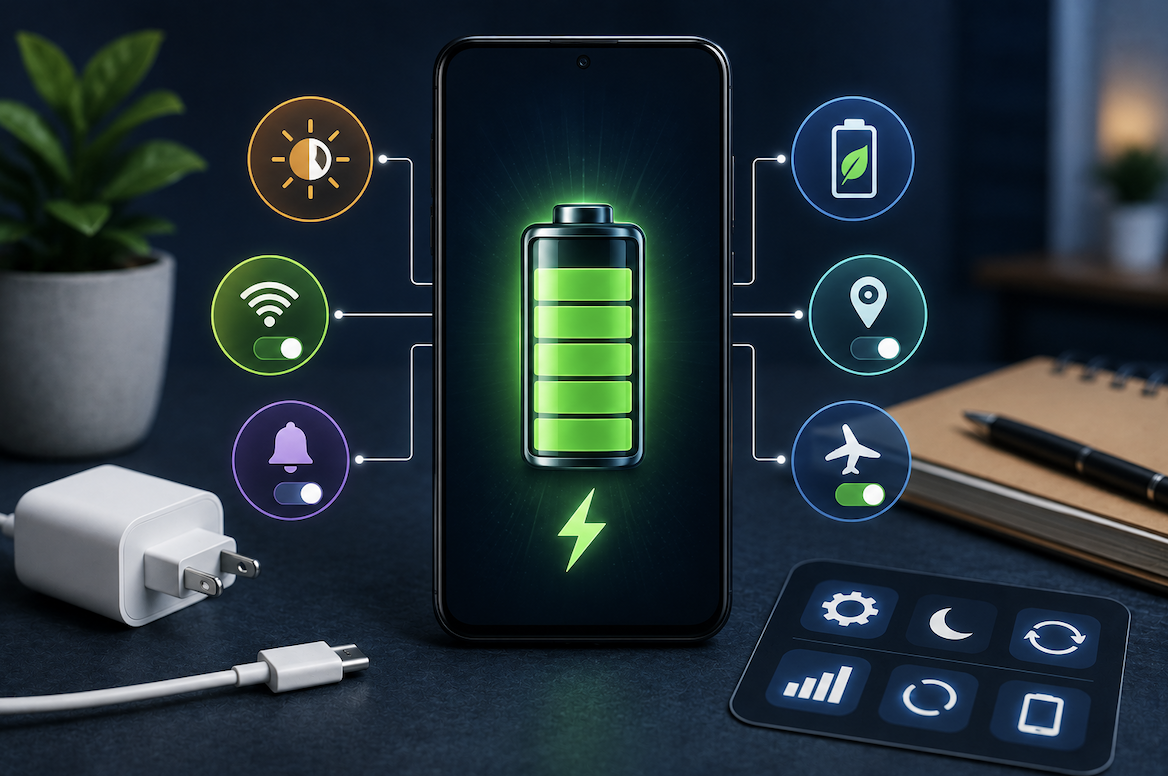
Watching your smartphone’s battery drain considerably faster than you would like represents a genuinely common frustration, and while some battery degradation over time is simply unavoidable, understanding practical, effective strategies can meaningfully extend both your daily battery life and your device’s longer-term battery health. This guide walks through genuinely effective, evidence-based approaches beyond commonly repeated but sometimes overstated advice.
Understanding What Actually Drains Your Battery Most Significantly
Before applying specific strategies, understanding which activities and settings genuinely consume the most battery power helps you prioritize the changes that will actually provide meaningful improvement rather than focusing on relatively minor factors.
- Screen brightness and display usage typically represent one of the largest genuine battery consumers
- Location services and GPS tracking can significantly drain battery when used continuously
- Background app activity, including notifications and automatic syncing, contributes meaningfully to consumption
- Cellular signal strength genuinely affects battery life, with weak signal areas consuming considerably more power
This signal strength factor deserves particular attention, since many people do not realize that your phone works considerably harder, and therefore consumes more battery, when searching for or maintaining a connection in areas with weak cellular signal, meaning battery drain can sometimes reflect your specific location rather than anything wrong with your device or settings.
Optimizing Your Screen Settings for Genuine Battery Improvement
Since display usage represents such a significant battery factor, understanding specific, effective screen-related adjustments provides some of the most impactful available battery life improvements.
- Reduce screen brightness to the lowest comfortable level rather than maximum brightness by default
- Shorten your screen timeout setting so the display turns off more quickly during periods of inactivity
- Consider enabling dark mode, which can genuinely reduce power consumption on certain display technologies
- Disable always-on display features if your device includes this option and you do not genuinely need it
Dark mode’s genuine battery benefit deserves particular clarification, since this effect specifically applies to certain display technologies that use less power when displaying darker colors, meaning the actual battery savings vary depending on your specific device’s screen technology, though many modern smartphones do genuinely benefit from this setting to some meaningful degree.
Managing Background App Activity Effectively
Understanding how to identify and address apps consuming genuinely excessive background battery helps address one of the more significant, sometimes hidden sources of unnecessary battery drain.
- Review your phone’s battery usage settings to identify which specific apps consume the most power
- Restrict background activity for apps that do not genuinely need to constantly run or sync in the background
- Disable unnecessary push notifications for apps where real-time alerts are not genuinely important to you
- Close or restrict apps you rarely use but that may still be running background processes unnecessarily
Understanding Location Services and Their Genuine Battery Impact
Location services provide genuine convenience for many apps and features, but understanding how to manage this functionality more selectively helps balance this convenience against its real battery cost.
- Review which specific apps genuinely need constant location access versus occasional or one-time access
- Consider changing location permissions from “always” to “only while using the app” where appropriate
- Disable location services entirely for apps that do not genuinely require this functionality to work properly
- This selective approach maintains genuine convenience for apps that truly need location while reducing unnecessary drain
Why Battery Health Genuinely Degrades Over Time Regardless of Usage Habits
Understanding that some battery capacity reduction represents a normal, expected part of lithium-ion battery chemistry helps set realistic expectations alongside the practical strategies that can meaningfully slow this natural degradation process.
- Lithium-ion batteries, used in virtually all modern smartphones, naturally lose some capacity through normal charge cycles
- This degradation happens gradually regardless of how carefully you manage your device’s settings and habits
- Certain charging habits can meaningfully affect how quickly this natural degradation actually progresses
- Understanding this distinction helps separate genuinely preventable battery drain from expected, natural capacity reduction
Charging Habits That Genuinely Support Long-Term Battery Health
Understanding which specific charging practices genuinely support longer-term battery health, beyond just daily battery life optimization, helps protect your device’s battery capacity over its entire useful lifespan.
- Avoid consistently letting your battery drain to very low levels before recharging when practically possible
- Avoid consistently charging to a full one hundred percent if your device offers optimized charging features
- Extreme temperatures, both very hot and very cold, can genuinely accelerate long-term battery degradation
- Using your device’s original or genuinely compatible charging equipment supports more consistent, safer charging behavior
Practical Additional Strategies Worth Considering
- Enable your device’s built-in battery saver or low power mode during periods when maximum battery life genuinely matters
- Periodically restart your device, which can help clear accumulated background processes affecting battery performance
- Keep your device’s software updated, since manufacturers periodically release genuine battery efficiency improvements
- Remove or disable widgets and live wallpapers that continuously consume processing power and battery
Why Optimized Charging Features Genuinely Protect Long-Term Battery Health
Understanding how modern smartphones’ optimized or adaptive charging features actually work provides useful context for why enabling this option, when available, genuinely supports longer-term battery health beyond simply following general charging guidelines alone.
These features typically work by learning your genuine daily charging routine, then deliberately slowing the final portion of the charging process, holding the battery at a slightly lower level until closer to when you actually typically unplug and use your device, rather than immediately charging to a full one hundred percent and then sitting at that peak level for extended periods overnight. This approach genuinely reduces the time your battery spends at maximum charge, which is precisely the condition that contributes most significantly to
accelerated long-term battery degradation, making this feature a genuinely worthwhile one to enable if your specific device offers it.
- Optimized charging features learn your routine and deliberately slow the final portion of charging
- This reduces time spent at maximum charge, which most significantly accelerates long-term battery degradation
- The battery reaches full charge closer to when you actually typically unplug and use the device
- Enabling this feature, when available, genuinely supports better long-term battery health with minimal daily inconvenience
Final Thoughts
Extending your smartphone’s battery life effectively combines optimizing daily settings like screen brightness and background app activity with adopting charging habits that genuinely support long-term battery health rather than just immediate convenience. Understanding both which factors offer meaningful daily improvement and which charging practices protect your battery’s longer-term capacity helps you get the most reliable, lasting performance from your device throughout its entire useful lifespan.
Frequently Asked Questions
1. Does closing all my apps manually genuinely help extend battery life?
This is genuinely more nuanced than commonly assumed, since manually closing apps can sometimes cause your phone to use more battery reopening them from scratch later, meaning selectively managing which apps have background permissions often provides better results than habitually closing every app.
2. How much battery life improvement can I genuinely expect from adjusting these settings?
This varies considerably based on your specific usage patterns and which particular changes you implement, though combining several of these strategies, particularly screen brightness and background app management, often provides meaningfully noticeable improvement for many users.
3. Is it true that using my phone while it charges genuinely damages the battery?
Modern smartphones include safeguards that make this practice generally safe for occasional use, though consistently using demanding applications while charging can generate additional heat, which over time may contribute somewhat to accelerated battery degradation.
4. Should I be concerned if my battery health percentage has declined noticeably after a year or two of use?
Some capacity decline over this timeframe is genuinely normal and expected for lithium-ion batteries, though a dramatically faster decline than typical might be worth investigating further or discussing with your device manufacturer’s support resources.
5. Do battery-saving apps from third-party developers genuinely help extend battery life?
Many of these apps provide limited genuine additional benefit beyond your phone’s built-in battery management features, and some can even consume additional battery themselves through their own background processes, making your device’s native battery settings generally a more reliable approach.