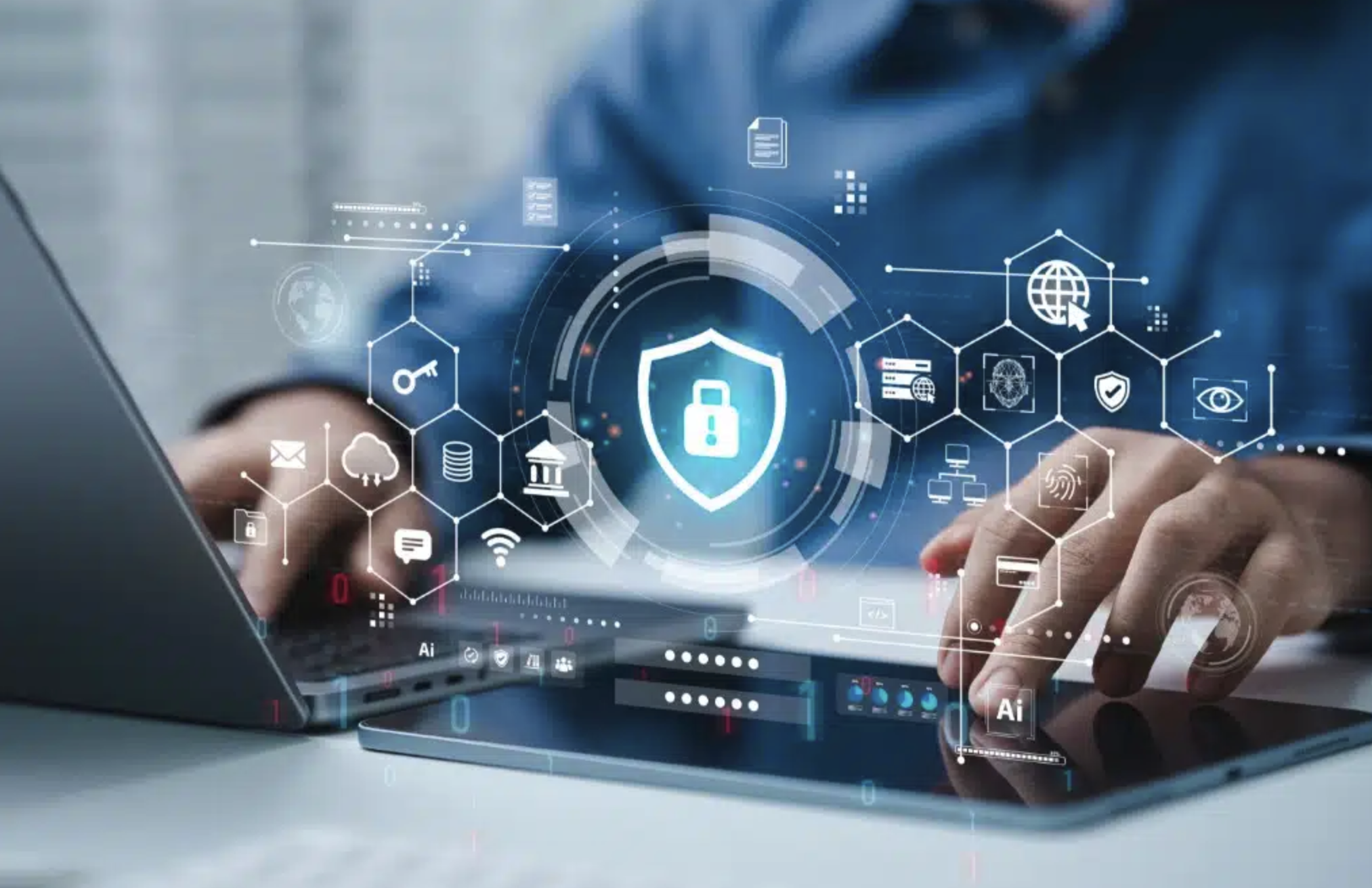
Think about how much of your life exists online. Your email may contain personal conversations and important documents. Your phone stores photos, contacts, banking apps, and private messages. Your social media accounts reveal where you go, what you like, and sometimes even where you live. Even a simple online shopping account can contain payment details and personal information.
This is why privacy and cybersecurity are no longer concerns reserved for technology experts or large companies. They affect everyone who uses the internet.
Privacy is about controlling your personal information and deciding who can collect, access, use, or share it. Cybersecurity is about protecting devices, accounts, networks, and data from unauthorized access, attacks, damage, or theft. These two areas are closely connected, but they are not exactly the same.
For example, a company may have strong cybersecurity systems that prevent hackers from breaking into its servers. However, if that company collects far more personal information than necessary or shares user data without clear consent, there may still be a privacy problem.
The good news is that protecting yourself does not require becoming a cybersecurity professional. A few smart habits, combined with the right tools and awareness, can significantly reduce your risk. The key is understanding what you are protecting, what threats you face, and which security steps actually make a difference.
What Is Privacy and Cybersecurity?
Privacy and cybersecurity are two connected parts of digital safety.
Privacy focuses on your personal information. This includes your name, email address, location, browsing history, photos, messages, financial information, health information, and other data that can identify or describe you. Privacy asks questions such as:
- Who has access to my information?
- Why is my data being collected?
- How long will it be stored?
- Is it being shared with other companies?
- Can I control or delete it?
Cybersecurity, on the other hand, focuses on protecting information and systems from threats. These threats may include hackers, malware, phishing scams, ransomware, account takeovers, and data breaches.
Imagine your home. Privacy is similar to deciding who you invite inside and what personal information you share with visitors. Cybersecurity is more like locking the doors, installing an alarm, and protecting your valuables from burglars.
You need both. A strong password can protect your account from hackers, but it does not necessarily stop an app from collecting excessive data about you. Similarly, carefully limiting the information you share is useful, but weak account security could still allow an attacker to steal your data.
Good digital protection therefore requires a combination of privacy awareness and practical cybersecurity habits.
Why Privacy and Cybersecurity Matter to Everyone
Many people assume that cybercriminals only target wealthy individuals, large companies, or famous people. That is a dangerous assumption.
Attackers often target ordinary users because personal accounts can still be valuable. A stolen email account may provide access to password resets for other services. A compromised social media account can be used to scam friends and family. Stolen payment information can lead to financial loss. Even basic personal details can be combined with information from other data leaks to create convincing scams.
Consider a simple example. Someone uses the same password for their email, shopping account, and social media profile. A company suffers a data breach, and the password is leaked online. An attacker tries the same email and password on other websites. If the credentials work, multiple accounts can be taken over within minutes.
Privacy also matters beyond criminal activity. Many websites and apps collect information about users to personalize content, measure behavior, show advertisements, or build detailed profiles. Some data collection is necessary for a service to work. The problem is that users often do not know exactly how much information is being collected or how it is being used.
The practical lesson is simple: your personal information has value, and your accounts are worth protecting even if you believe you have “nothing important” to hide.
The Most Common Online Security Threats
Understanding common threats makes it easier to recognize them before they cause damage.
Phishing and Social Engineering
Phishing is one of the most common cybersecurity threats. Instead of attacking a computer directly, criminals try to trick people into revealing information or taking an unsafe action.
You might receive an email claiming that your bank account has been locked. A message may say your delivery is waiting for a small payment. A social media notification may ask you to log in immediately because your account has violated a rule.
The message often creates urgency. That is intentional.
A phishing attack may direct you to a fake website that looks almost identical to the real one. When you enter your username and password, the attacker receives them.
Social engineering is broader than phishing. It involves manipulating people into giving away information or performing actions that benefit the attacker. For example, someone may pretend to be a company employee and ask for a verification code.
A useful rule is to slow down when a message creates panic or urgency. Do not click immediately. Visit the official website directly or contact the organization through a trusted channel.
Malware and Ransomware
Malware is malicious software designed to damage systems, steal information, spy on users, or provide unauthorized access.
Different types of malware have different purposes. A spyware program may monitor activity. A Trojan may appear to be a legitimate application while secretly performing harmful actions. Ransomware can encrypt files and demand payment for their release.
One common mistake is downloading software from unofficial websites. Free software, cracked programs, fake browser extensions, and suspicious email attachments can all carry malware.
This does not mean every free application is dangerous. The important question is where it comes from and whether the source is trustworthy.
Keep your operating system and applications updated, use reputable security software where appropriate, and avoid installing programs simply because a pop-up tells you to.
Password Attacks and Account Takeovers
Weak and reused passwords remain a major security problem.
A password such as 123456, a name, or a familiar birthday is easy to guess. Reusing one password across multiple accounts creates an even bigger risk. If one website is breached, attackers may test the leaked password on other services.
A better approach is to use a unique password for every important account. You do not need to memorize dozens of complicated passwords. A reputable password manager can create and store strong passwords for you.
For your most important accounts, especially email, banking, cloud storage, and social media, enable multi-factor authentication whenever possible.
Data Breaches
A data breach occurs when unauthorized individuals gain access to information held by an organization.
The stolen information may include email addresses, usernames, passwords, phone numbers, or other personal data. A breach does not necessarily mean that your device was hacked. Sometimes the problem occurs entirely within a company or service you use.
This is another reason why password reuse is so dangerous. You cannot control whether every company you use will suffer a breach, but you can reduce the damage by using different passwords for different accounts.
If a service announces a breach, change your password immediately, especially if you reused it elsewhere.
Privacy and Security Are Different, But They Work Together
A common misunderstanding is that privacy and security mean the same thing. They overlap, but they answer different questions.
Cybersecurity asks:
How do we prevent unauthorized access or damage?
Privacy asks:
Who should have access to this information, and how should it be used?
Imagine you use a fitness app. The app may have excellent security and protect its servers against hackers. However, you may still want to know whether your location data is shared with advertisers or other companies.
The app can be secure but still raise privacy concerns.
The reverse is also possible. A company may have a privacy policy that promises responsible data handling, but if its systems are poorly protected, hackers could still steal customer information.
The best approach is to consider both. When using a service, think about the information it collects and how it protects that information.
How to Protect Your Online Accounts
Your accounts are often the first line of defense against cyberattacks. Improving account security is one of the most effective things you can do.
Use Strong, Unique Passwords
A strong password should be difficult to guess and should not be reused across important accounts.
Instead of trying to create a memorable password for every service, use a password manager. It can generate long, random passwords and store them securely.
Your email account deserves special attention. If someone gains access to your email, they may be able to reset passwords for other accounts. Protecting your primary email account can therefore protect your wider digital life.
Enable Multi-Factor Authentication
Multi-factor authentication, often called MFA or two-factor authentication, adds another security step after your password.
For example, you may need to enter a code from an authentication app or approve a login on another device. This means that a stolen password alone may not be enough to access your account.
Authentication apps are generally a stronger option than SMS codes, although SMS-based verification is still better than using only a password.
Review Login Activity
Many services allow you to view recent login activity and connected devices.
Check this information occasionally. If you see a login from an unfamiliar location or device, investigate it. You may need to change your password, sign out of other sessions, and enable stronger authentication.
This simple habit can help you detect account compromise before it becomes a larger problem.
How to Improve Your Online Privacy
Protecting privacy is not about disappearing completely from the internet. It is about making informed choices about what you share.
Share Less Personal Information
Before entering information into a website or app, ask whether it is genuinely necessary.
Does a simple game need access to your contacts? Does a shopping app need constant location access? Does a random website need your date of birth?
You do not always have complete control over what a service requests, but you can often choose whether to use it or adjust its permissions.
The less unnecessary personal information you share, the less information can potentially be misused or exposed.
Review App Permissions
Your phone allows you to control access to features such as:
- Location
- Camera
- Microphone
- Contacts
- Photos
- Files
- Bluetooth
Review these permissions regularly. An app that needs your camera while you are using a video feature may make sense. An unrelated app that requests constant access to your contacts deserves more scrutiny.
Permissions can change over time, especially after updates, so checking them occasionally is a worthwhile habit.
Be Careful on Public Wi-Fi
Public Wi-Fi can be convenient, but you should be cautious when using unknown networks.
Avoid entering sensitive information on suspicious networks, particularly if the network name looks like a fake version of a legitimate hotspot. Keep your device updated and avoid allowing automatic connections to unknown networks.
A VPN can provide additional privacy in certain situations by encrypting traffic between your device and the VPN service. However, a VPN is not a magic security solution. It does not protect you from phishing, weak passwords, malware, or every form of online tracking.
Choosing a trustworthy VPN provider also matters because the VPN company may be able to see certain information about your connection.
Device Security: The Foundation of Digital Protection
Even the strongest online accounts can be put at risk if the device you use is poorly protected.
Start with the basics. Keep your operating system, browser, and applications updated. Software updates often include security fixes for vulnerabilities that attackers could exploit.
Use a screen lock on your phone and computer. A PIN, password, fingerprint, or facial recognition can prevent someone with physical access to your device from easily viewing your information.
Be careful when installing applications. Download software from official app stores or trusted sources whenever possible. Read reviews, check the developer, and be cautious if an application requests permissions that seem unrelated to its purpose.
Backups are also essential. If your files are accidentally deleted, your device fails, or ransomware affects your system, a recent backup can make recovery much easier.
A backup should ideally not exist only on the same device as the original files. If the device is damaged or compromised, the backup could be affected as well.
The Human Factor: Why Good Security Habits Matter
Technology can help protect you, but human decisions remain a major part of cybersecurity.
A sophisticated security system can still be defeated if someone gives an attacker their password or clicks a malicious link.
This is why awareness matters. Before clicking a link, consider whether the message makes sense. Is the sender genuine? Is the request unexpected? Does the website address look correct?
Be particularly cautious when someone asks for:
- A password
- A verification code
- Banking information
- Gift cards
- Urgent payments
- Remote access to your computer
Scammers often rely on pressure. They may claim that your account will be closed, your payment failed, or your family member needs urgent help.
Take a moment to verify the situation independently. A few seconds of caution can prevent a serious problem.
Common Privacy and Cybersecurity Mistakes
Many security problems happen because of small habits rather than dramatic technical failures.
One common mistake is ignoring software updates. People often postpone updates because they are inconvenient, but security patches can fix serious vulnerabilities.
Another mistake is using the same password everywhere. This is convenient until one account is breached.
Some people also share too much information publicly on social media. Posting your full birthday, home location, travel plans, or personal details can make scams and identity theft easier.
Another problem is trusting messages simply because they appear professional. Attackers can copy logos, use convincing language, and create websites that look authentic.
Finally, many people wait until something goes wrong before taking security seriously. It is much easier to prevent an account takeover than to recover a stolen account after an attacker changes the email address and password.
A Simple Privacy and Cybersecurity Checklist
You do not need to change everything at once. Start with the actions that offer the most protection.
- Use a unique password for your email account.
- Enable multi-factor authentication on important accounts.
- Use a password manager for strong, unique passwords.
- Keep your phone, computer, browser, and apps updated.
- Review app permissions regularly.
- Be cautious with unexpected links and attachments.
- Avoid sharing unnecessary personal information online.
- Use screen locks on all personal devices.
- Keep important files backed up.
- Review your account login activity occasionally.
- Avoid downloading cracked or suspicious software.
- Think carefully before entering personal information into unfamiliar websites.
These steps may seem simple, but consistency is what makes them effective.
A Real-World Example: How One Leaked Password Can Cause Multiple Problems
Imagine that someone uses the same password for their email, online store, and social media account.
One day, the online store suffers a data breach. The person’s email address and password are exposed.
An attacker tries those credentials on the person’s email account. The login works.
Now the attacker can read private emails and request password resets for other services. They may also access the social media account and send scam messages to the person’s contacts.
This entire chain of events started with one reused password.
Now imagine the same situation with a unique password for every account and multi-factor authentication enabled on the email account. The leaked shopping password would be far less useful to the attacker.
This example shows why cybersecurity is not about using one perfect tool. It is about building layers of protection. If one layer fails, another can reduce the damage.
The Trade-Off Between Privacy and Convenience
Better privacy and security can sometimes require a little more effort.
Automatic login is convenient, but it may create risks if someone gains access to your device. Sharing personal information can make websites easier to use, but it also gives companies more data about you. App permissions can improve functionality, but unnecessary access can reduce privacy.
The goal is not to avoid every online service or refuse to share any information. That is unrealistic for most people.
Instead, think about the value of the service and the amount of information it requests. If an app provides a useful feature but asks for access that appears unrelated, you may want to look for an alternative.
Privacy is often about making informed choices rather than achieving perfect control.
What to Do If You Think Your Account Has Been Hacked
If you suspect that an account has been compromised, act quickly.
First, change the password from a trusted device. If you used that password anywhere else, change it there too.
Next, sign out of unfamiliar devices and review recent account activity. Check whether the attacker changed your recovery email address, phone number, or other security settings.
Enable multi-factor authentication if it was not already active.
You should also check for unusual activity, such as messages you did not send, purchases you did not make, or password reset emails you did not request.
If financial information may have been exposed, contact your bank or payment provider through an official channel. Do not use a phone number or link provided in a suspicious message.
The faster you respond, the more likely you are to limit the damage.
Practical Takeaways for Better Privacy and Cybersecurity
The most effective approach to digital safety is practical and consistent.
Start with your most important accounts, especially your primary email, banking, cloud storage, and social media profiles. Give each account a unique password and enable multi-factor authentication.
Then secure your devices. Install updates, use screen locks, and be selective about applications and permissions.
After that, improve your privacy habits. Share less unnecessary information, review app permissions, and think carefully before clicking unexpected links.
You do not need to become paranoid about every email or website. You simply need to develop the habit of pausing before trusting something with your personal information.
Cybersecurity is not a one-time project. Threats change, new scams appear, and the services you use may update their policies and features. A short security review every few months can help you stay ahead of common problems.
Conclusion: Small Habits Create Stronger Digital Protection
Privacy and cybersecurity are closely connected to everyday life. From the password you use for email to the permissions you grant a mobile app, small decisions can affect how safely your personal information is stored and shared.
The biggest risks often come from predictable problems: reused passwords, phishing messages, outdated software, excessive data sharing, and weak account recovery settings.
The solution is not to avoid the internet. It is to use it more carefully.
Protect your most important accounts first. Use unique passwords and multi-factor authentication. Keep your devices updated. Review app permissions. Limit unnecessary personal information. Learn to recognize suspicious messages and verify unexpected requests.
No security system can eliminate every risk. However, strong privacy habits and basic cybersecurity practices can make you a much harder target and greatly reduce the damage if something does go wrong.
In a connected world, protecting your digital life is no longer optional. It is a basic part of using technology responsibly.
Frequently Asked Questions
1. What is the difference between privacy and cybersecurity?
Privacy is about controlling personal information and deciding how it is collected, used, and shared. Cybersecurity is about protecting devices, accounts, networks, and data from unauthorized access, attacks, or damage. They work together, but they focus on different problems.
For example, a company may securely protect your information from hackers but still collect more data than you expect. That could be a privacy concern even if the cybersecurity is strong.
2. Why is privacy important online?
Online privacy matters because personal information can reveal a great deal about you. Your location, browsing activity, messages, financial details, and account information can be misused if exposed or shared improperly.
Good privacy habits help you maintain greater control over your personal data and reduce the amount of information available to attackers, advertisers, scammers, and other organizations.
3. What is the most important cybersecurity habit?
Using unique passwords for important accounts is one of the most important habits. If you reuse the same password and one service is breached, attackers may try that password on your other accounts.
Enabling multi-factor authentication is also extremely valuable because it adds an extra layer of protection beyond your password.
4. Is public Wi-Fi dangerous?
Public Wi-Fi is not automatically dangerous, but unknown networks can create security and privacy risks. Fake hotspots, poorly secured networks, and malicious activity can potentially expose users to attacks.
Avoid accessing sensitive accounts on suspicious networks, keep your device updated, and be careful about automatically connecting to unfamiliar Wi-Fi.
5. Does a VPN protect my privacy completely?
No. A VPN can improve privacy in certain situations by encrypting traffic between your device and the VPN service, but it does not make you completely anonymous.
A VPN cannot protect you from phishing, malware, weak passwords, or unsafe websites. The VPN provider itself may also have access to certain connection information, so choosing a trustworthy provider is important.
6. How can I protect my personal information online?
Share only the information that is necessary, use strong unique passwords, enable multi-factor authentication, review app permissions, keep your software updated, and be cautious with unexpected messages and links.
You should also avoid publicly sharing sensitive details such as your home address, travel plans, financial information, or personal identification details.
7. What should I do if my password is exposed in a data breach?
Change the exposed password immediately. If you used the same password on other websites, change it there as well.
You should also review recent account activity, sign out of unfamiliar devices, and enable multi-factor authentication. If the breached account contains financial or highly sensitive information, take additional steps recommended by the service provider.
8. password managers safe to use?
A reputable password manager can be safer than reusing simple passwords or storing passwords in unsecured notes. Password managers can create strong, unique passwords and store them securely.
Like any important account, your password manager should have a strong master password and multi-factor authentication enabled whenever available.
9. Can antivirus software protect me from every cyberattack?
No. Antivirus and security software can help detect and block certain types of malware, but no tool can protect you from every threat.
You still need strong passwords, software updates, careful browsing habits, multi-factor authentication, and awareness of phishing and social engineering attacks.
10. How often should I review my privacy and security settings?
A quick review every few months is a practical approach. You should also review your settings after installing new apps, changing important accounts, hearing about a data breach, or noticing suspicious activity.
Focus especially on passwords, login sessions, app permissions, recovery options, and multi-factor authentication.
11. What is the first step beginners should take to improve cybersecurity?
Start with your primary email account. Create a unique, strong password and enable multi-factor authentication. Your email is often connected to many other accounts, so protecting it can prevent attackers from resetting passwords elsewhere.
After securing your email, gradually improve the security of your banking, social media, cloud storage, and other important accounts.